 On the App Store · Mac
 Skriva
Markdown and plain text editor for Mac.
A Mac editor for Markdown notes, plain text and code. It works directly with the files in your folder and collects no data.
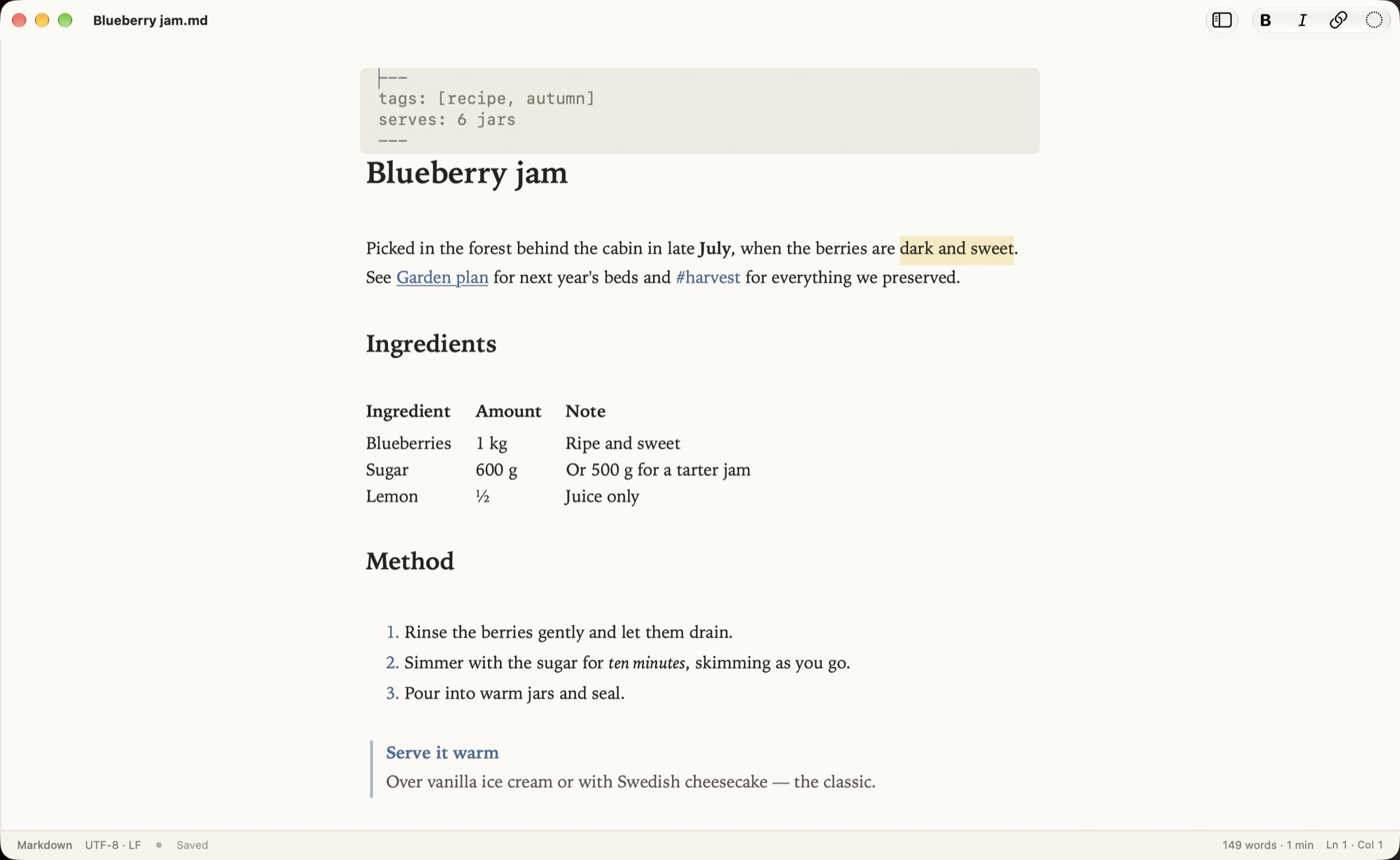
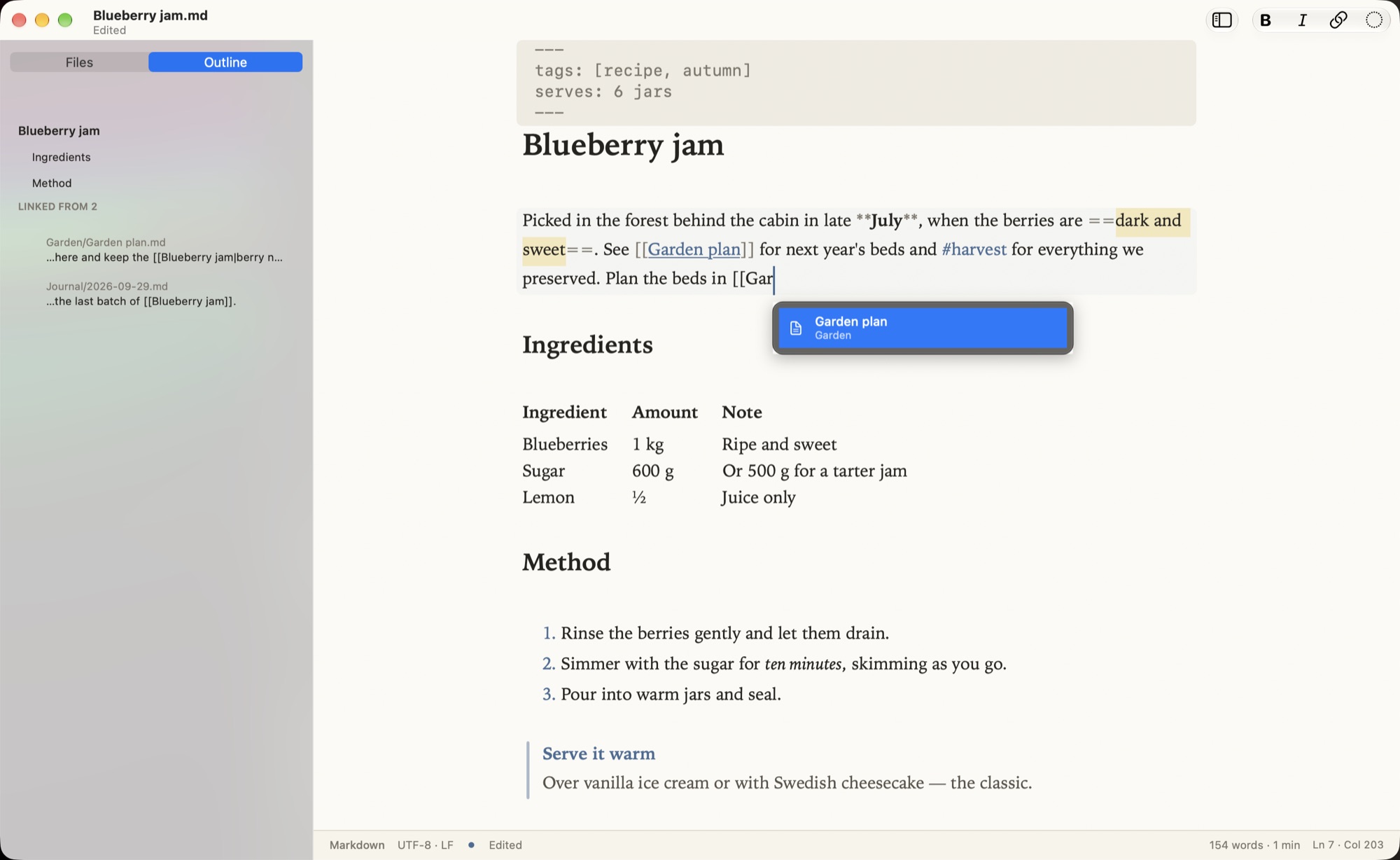
Markdown markers stay hidden until you edit the line.
What it does
Markdown as you write
Headings, bold, lists, tables, callouts and highlights. Markers show only on the line you edit; Read Mode (⌃⌘R) hides them all.
Your folder
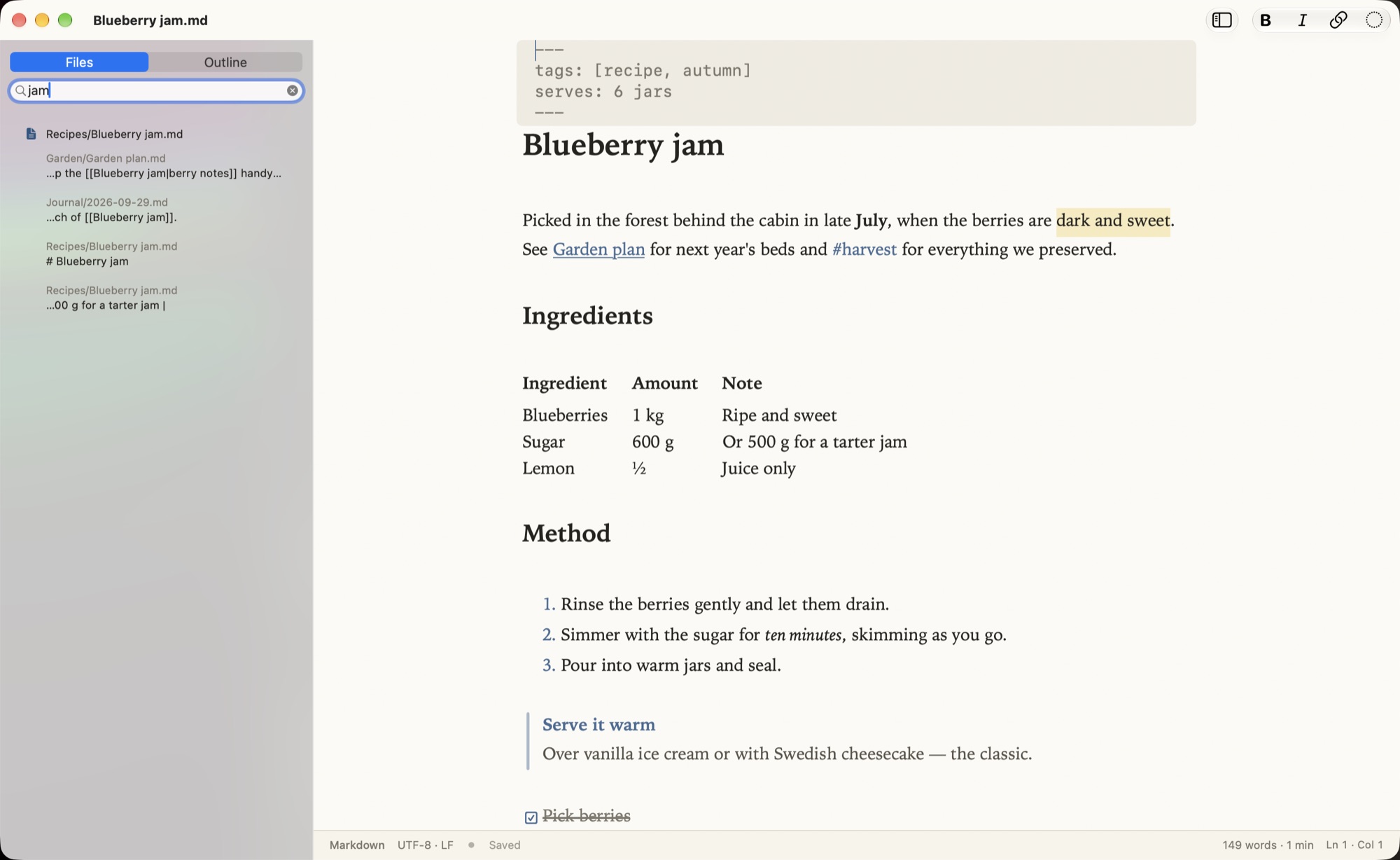
Browse notes as a folder tree, search the text of every file, and create, rename or trash notes from the sidebar.
Linked notes
Type [[ to link a note. The Outline tab lists the notes that link back.
Obsidian notes
Front matter, wikilinks, #tags and callouts display correctly.
Plain text editor
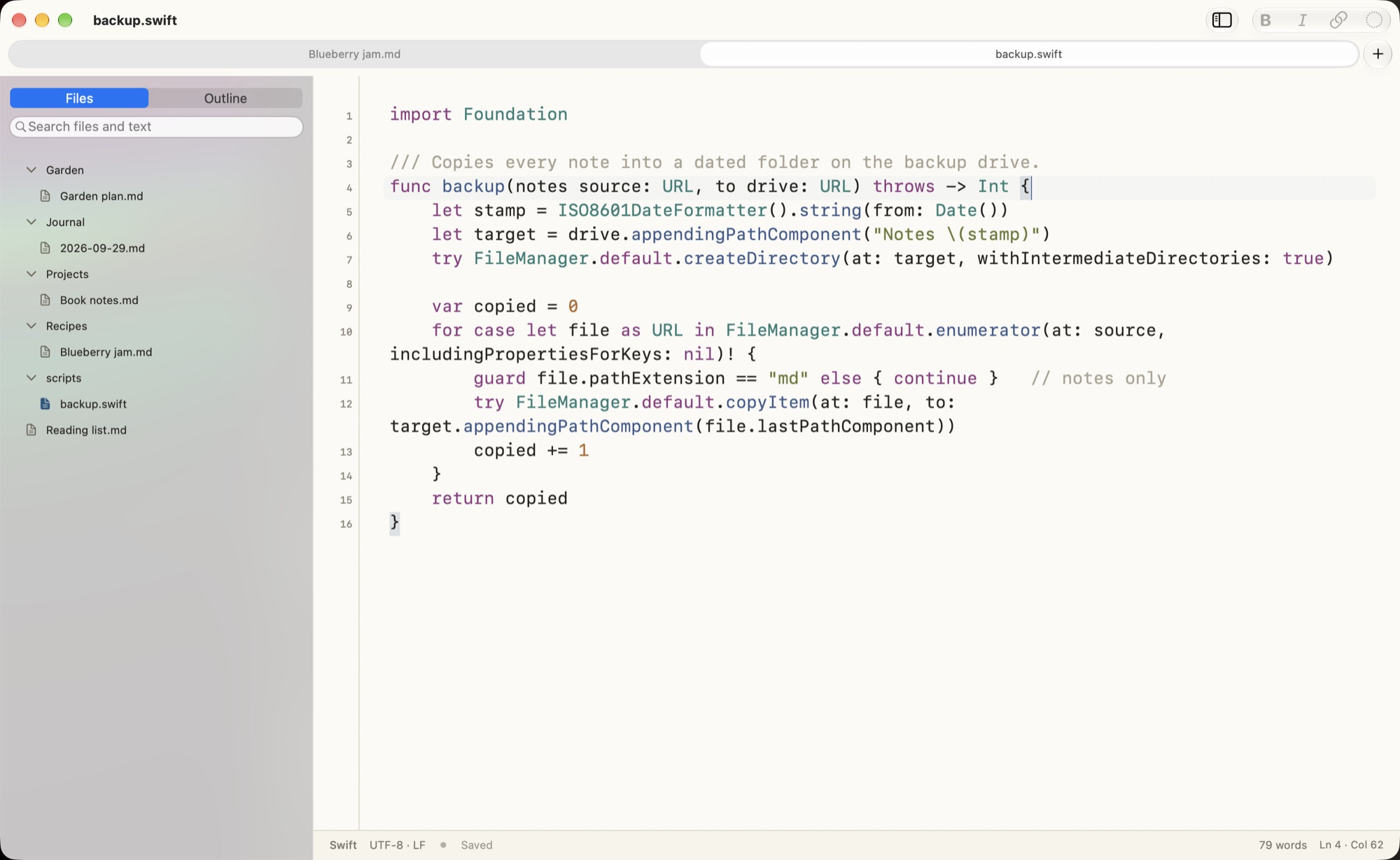
Syntax colours for 23 languages, line numbers, line tools, indentation, line endings and encodings.
Today’s note
⌥⌘T opens or creates today’s note, from a template if you have one.
PDF and print
Export or print a typeset page, with images.
Your AI, if you want
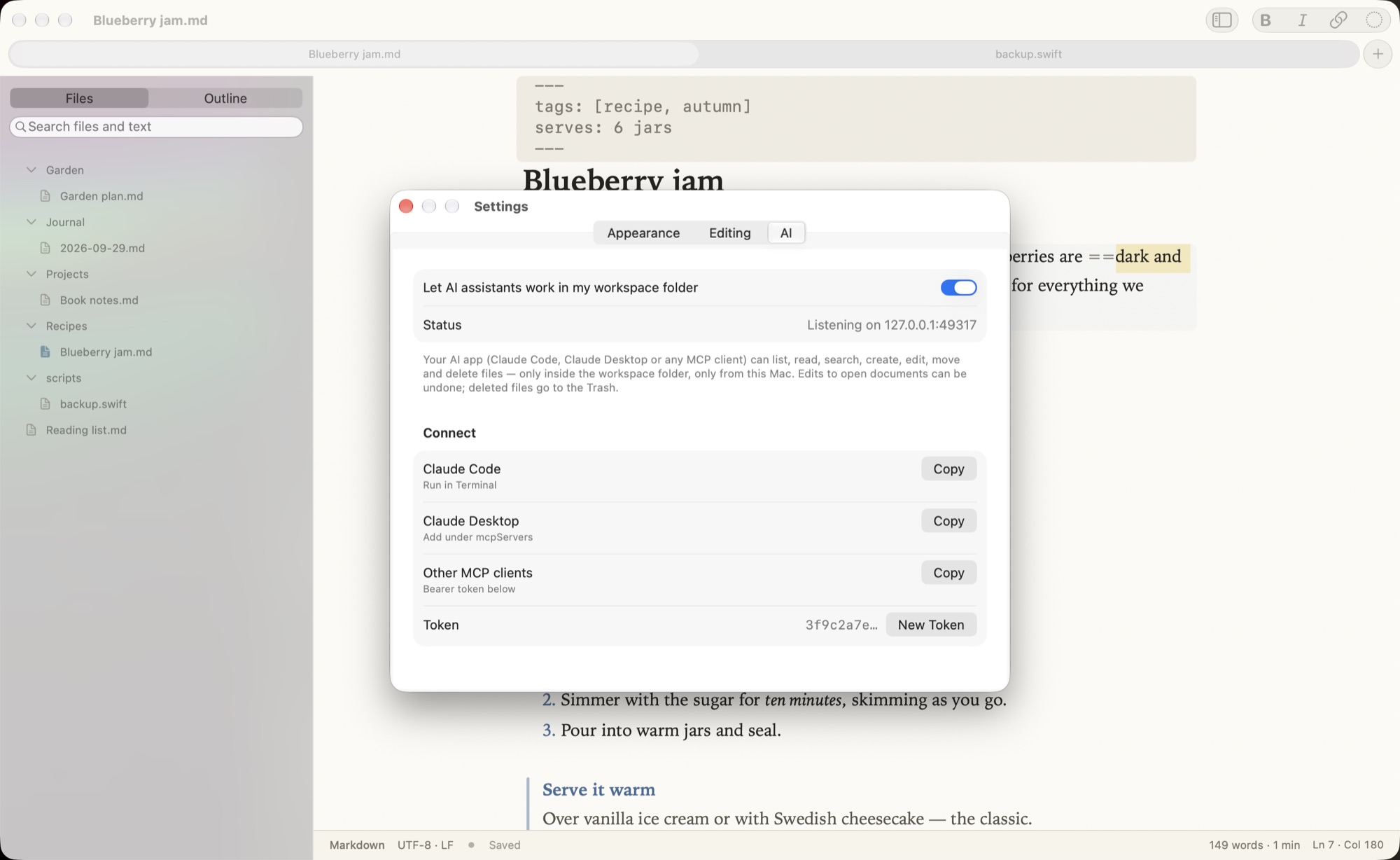
Let Claude or another MCP app read and edit files in your workspace folder. Local only and off by default.
Collects nothing.
Skriva collects no data: no account, no analytics, no telemetry, and it never connects to the internet. It only reads and writes the documents you open and the folder you choose. The optional AI connection accepts requests from apps on your own Mac only.